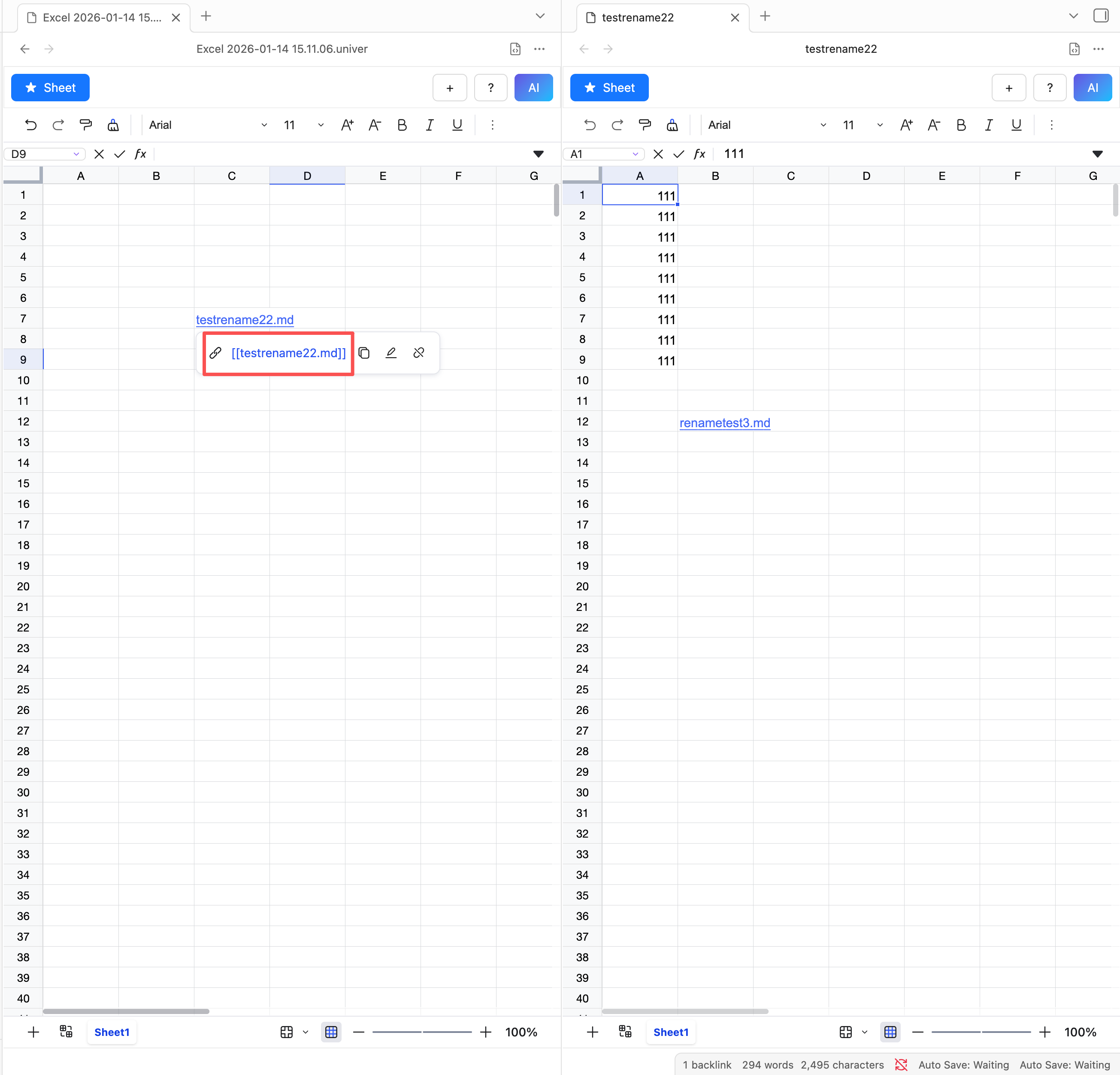
Outgoing Link
What is Outgoing Link?
Outgoing Link allows you to insert files from the current vault into a sheet via hyperlinks.
How to use Outgoing Link?
- Select the cell where you want to insert the link.
- Right-click to open the context menu.
- Choose "Add Outgoing Link" from the menu.
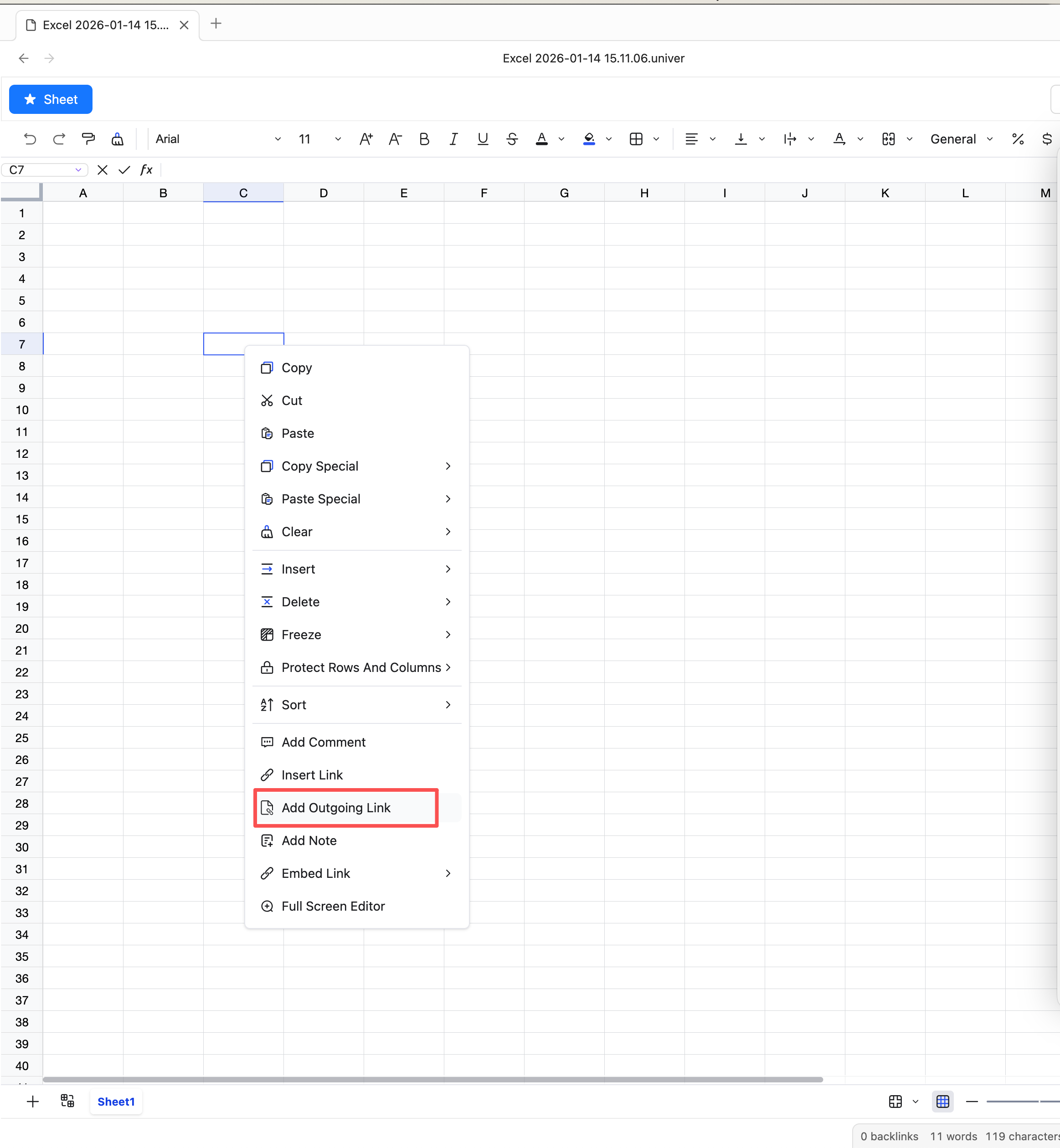
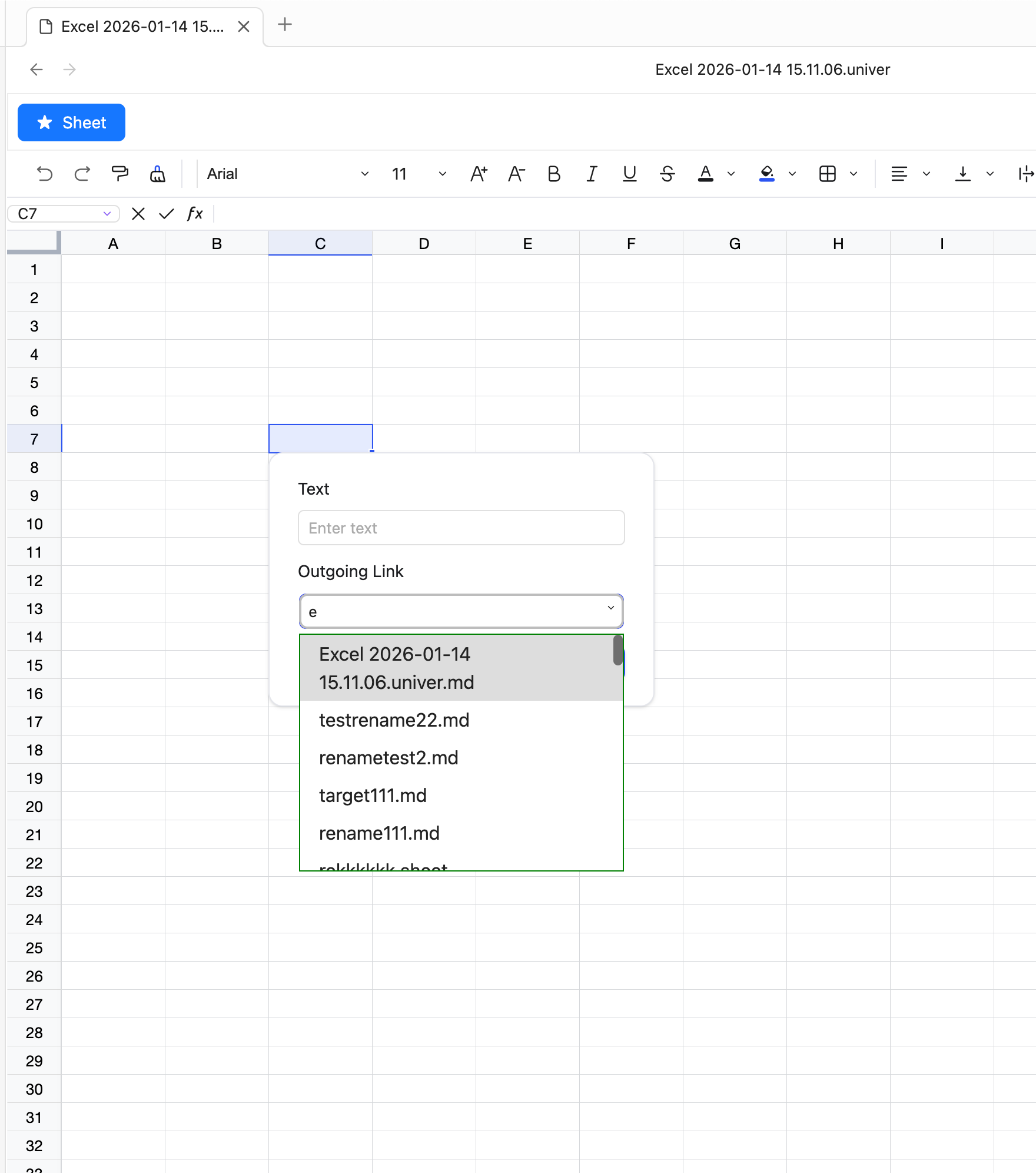
- A dialog will appear with two input fields: Link Name and Link Address.
- Click the address field and type to fuzzy-search the file you want to link.
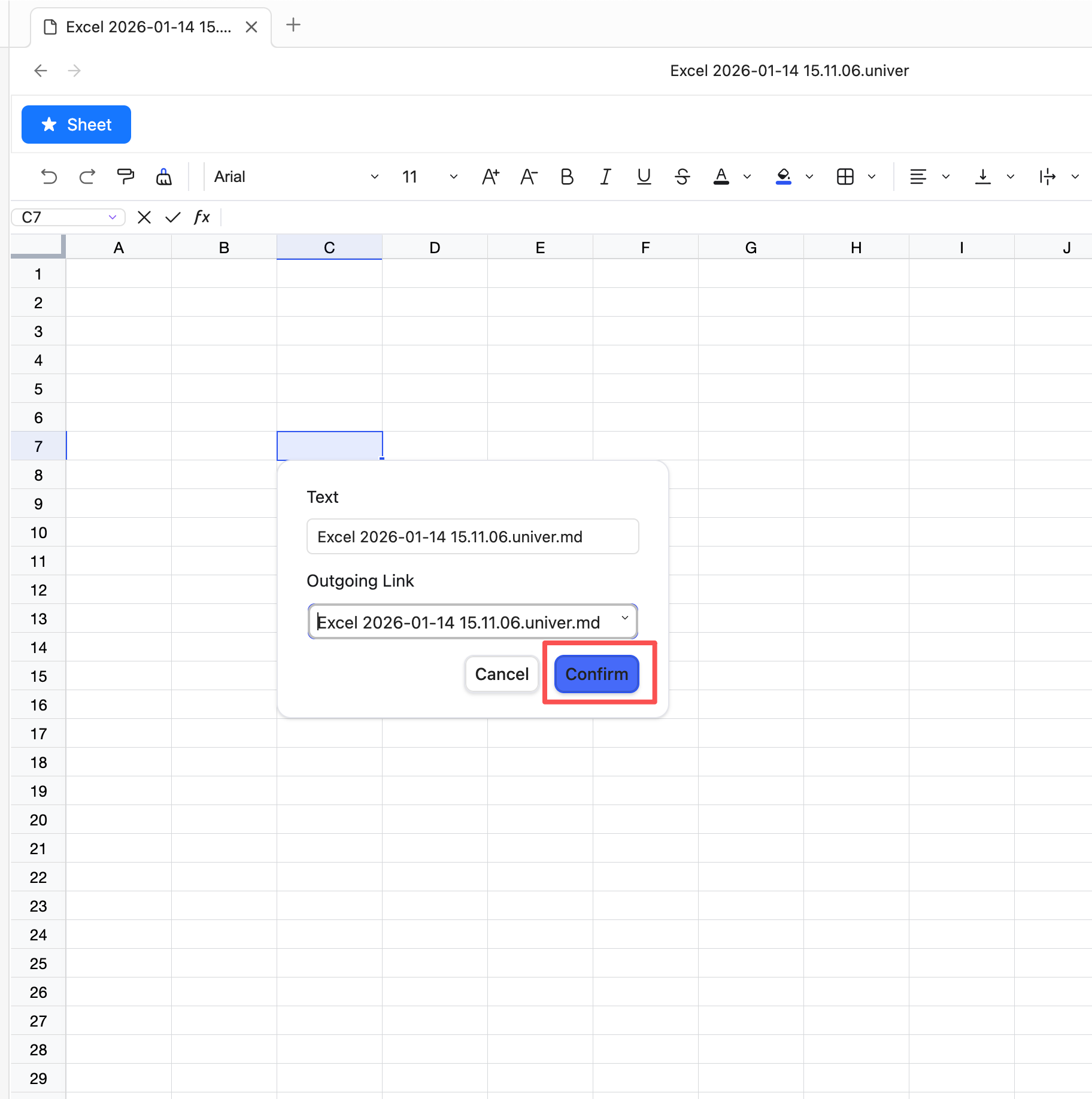
- Click OK to add the link.
- Hover over the cell to see the link name; click the link to open the file on the right.