Image
Image
Insert images from outside the current Obsidian vault
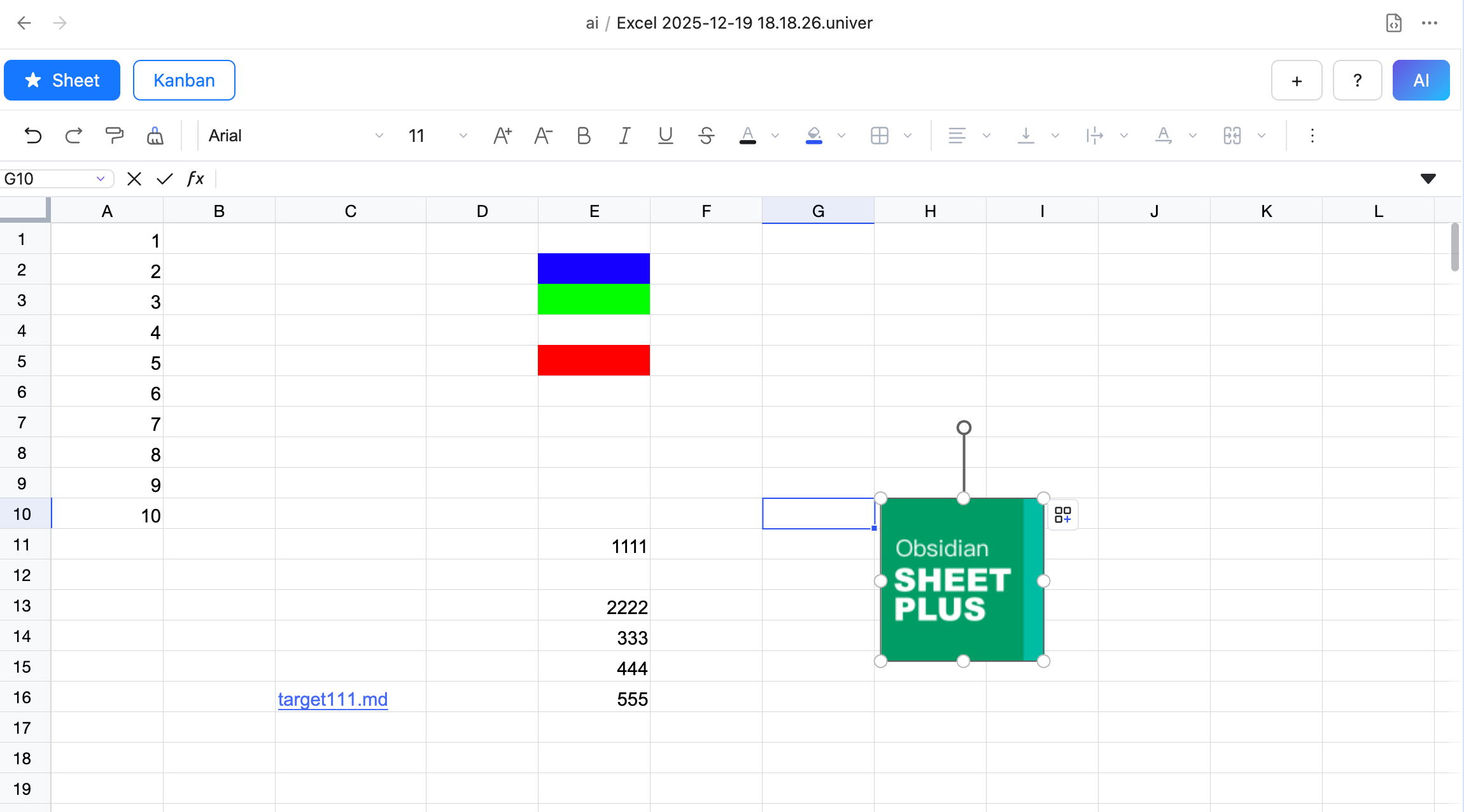
Floating Image
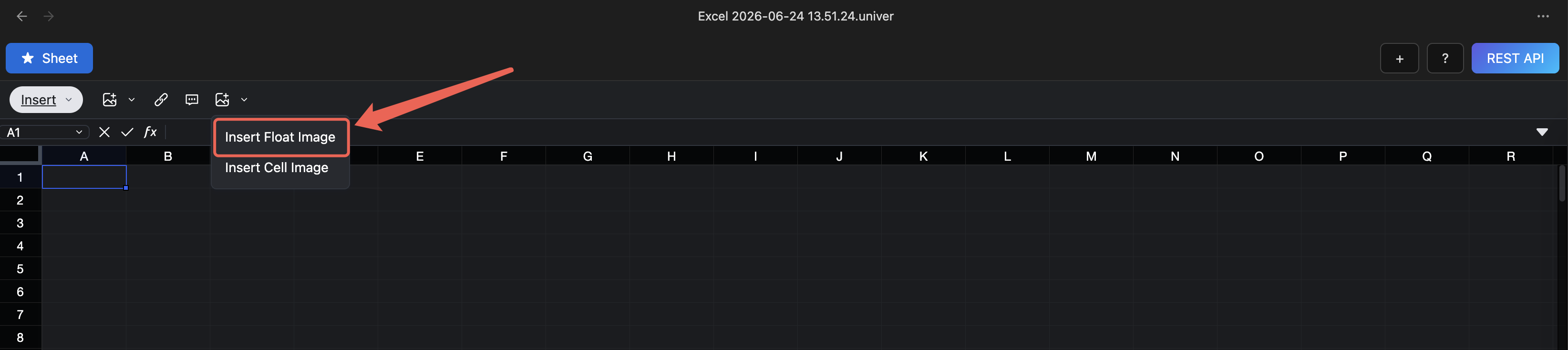
- Click the Insert Image button in the toolbar and choose "Float Image" from the pop-up menu.
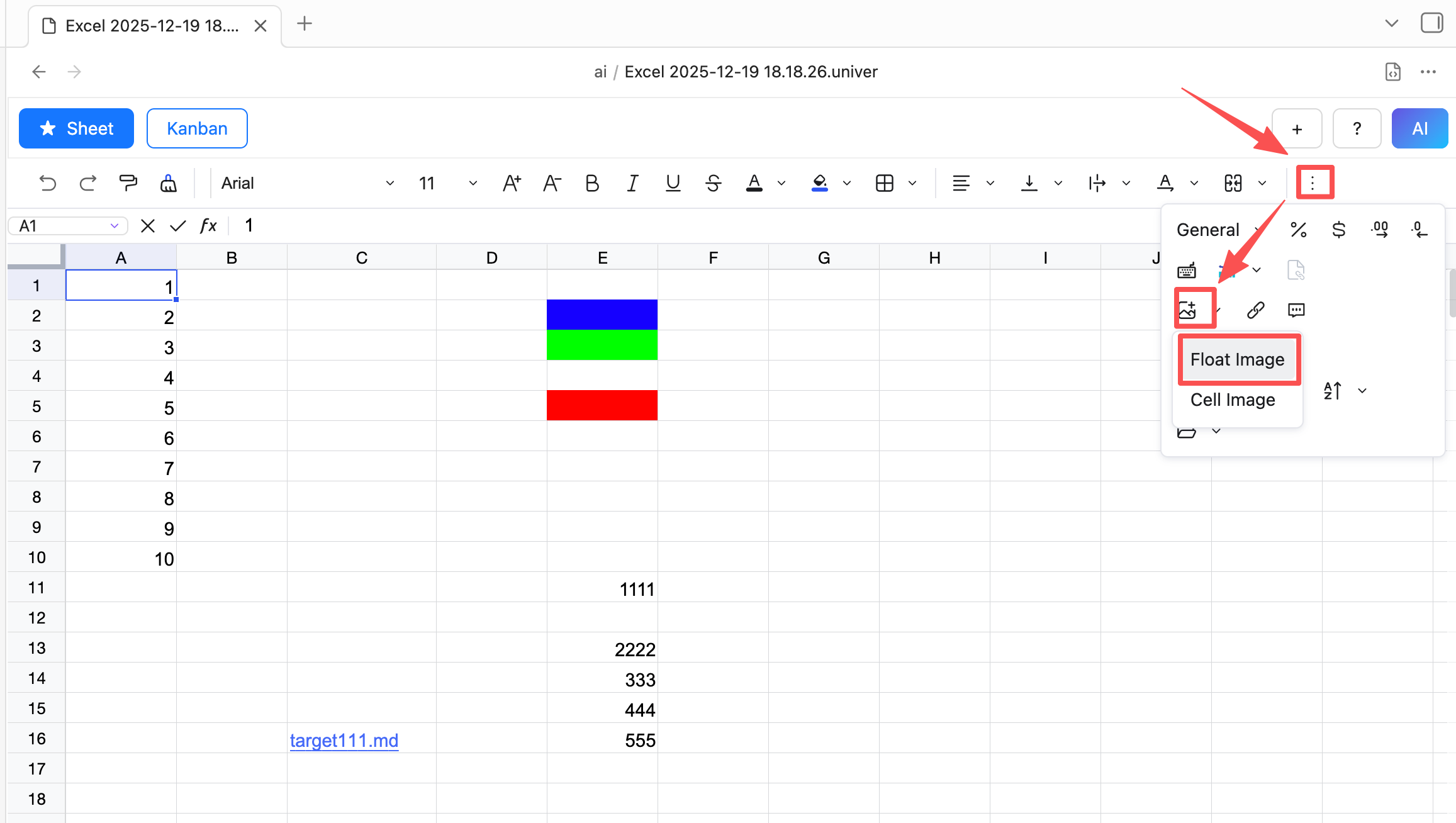
- In the dialog that appears, select the image file you want to insert. After clicking OK, the image is inserted into the table.
Cell Image
- Select the cell where you want to insert the image.
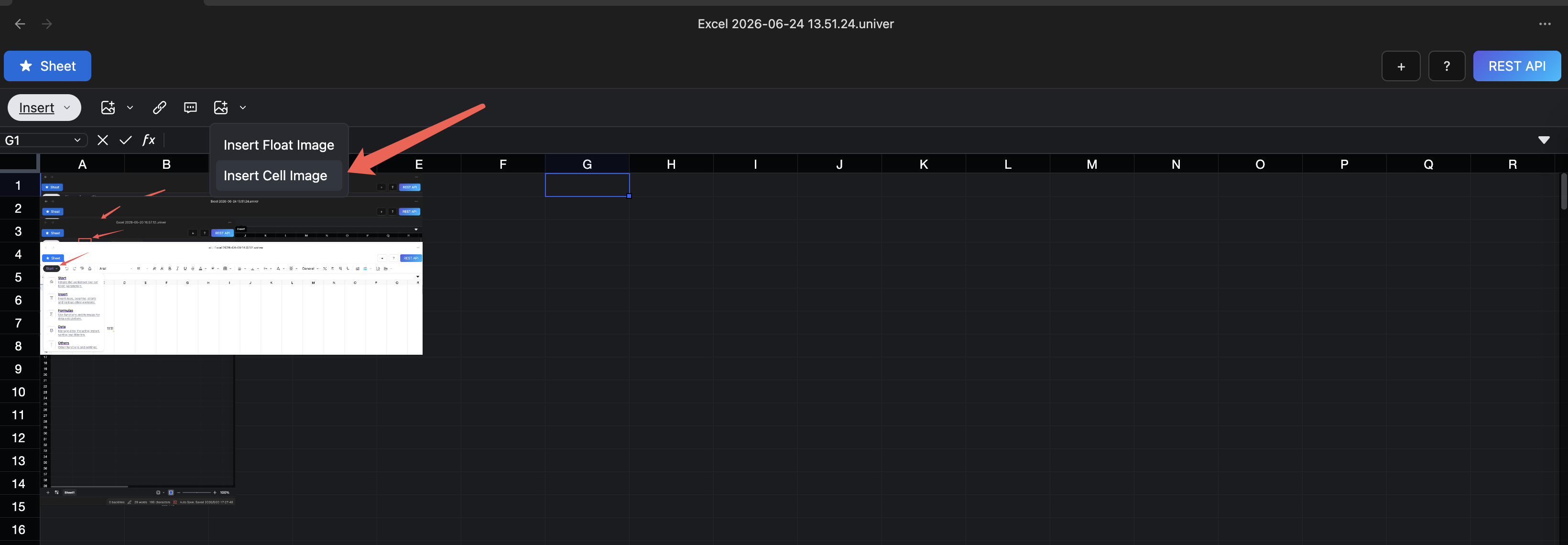
- Click the Insert Image button in the toolbar and choose "Cell Image" from the pop-up menu.
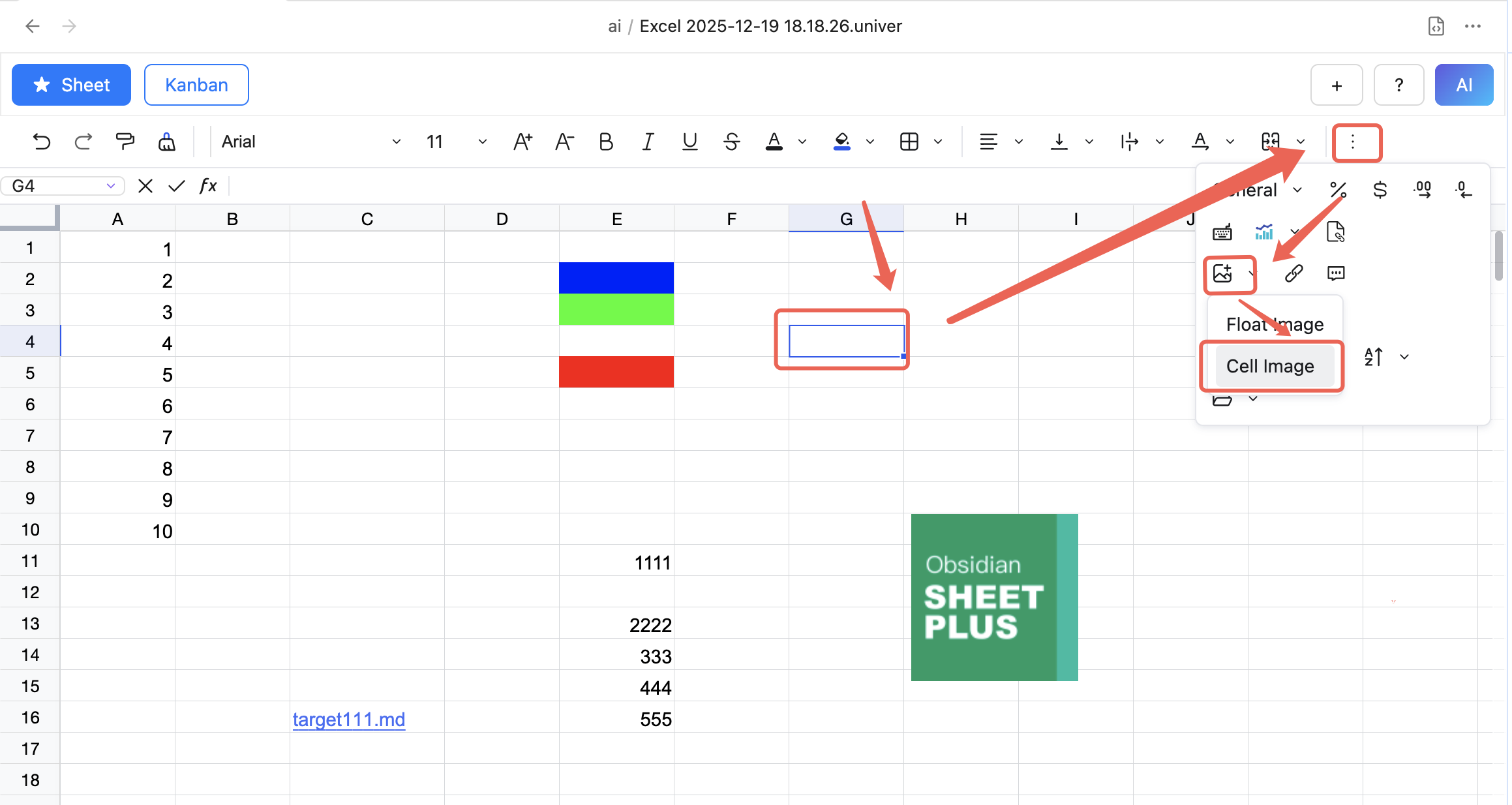
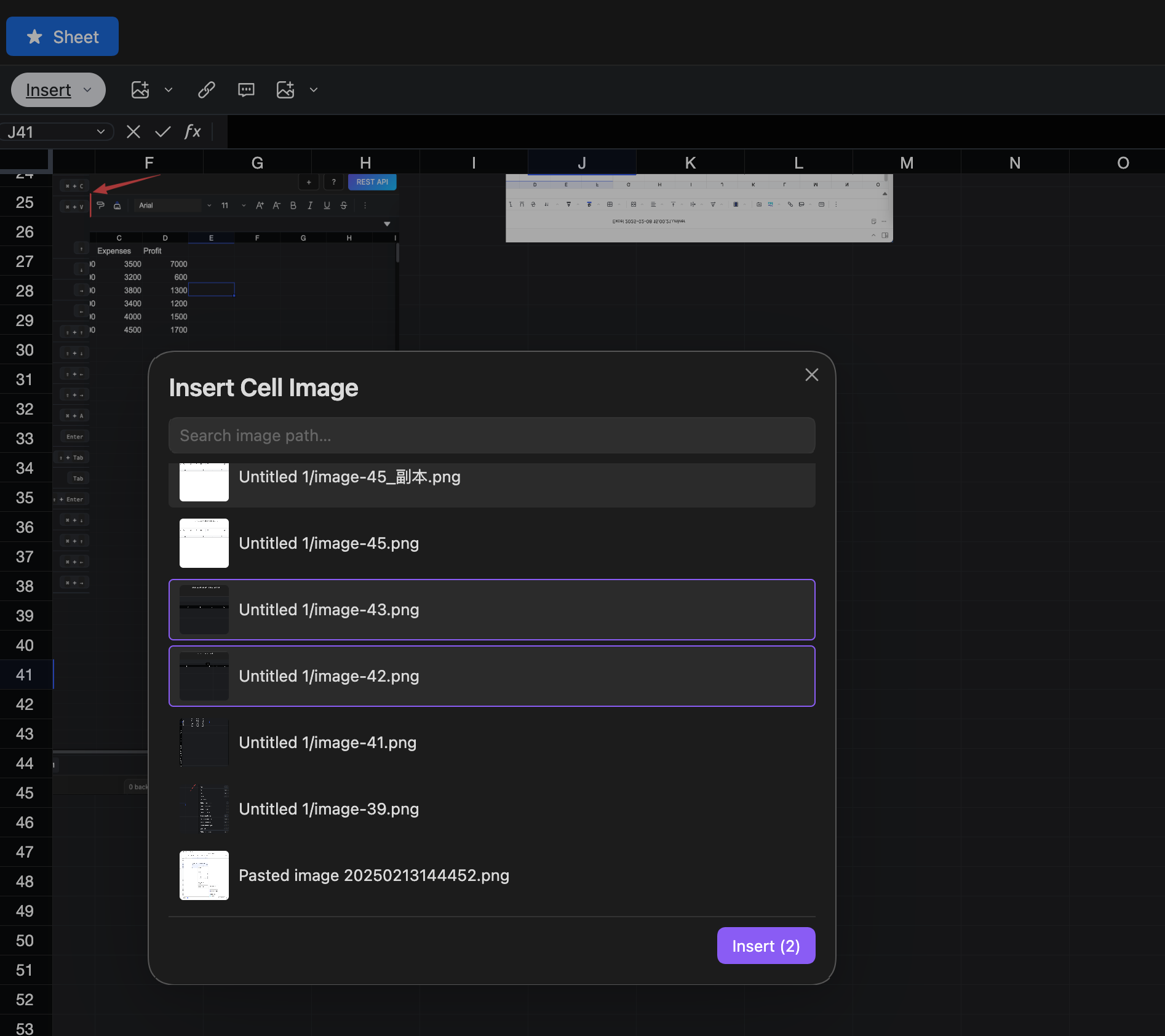
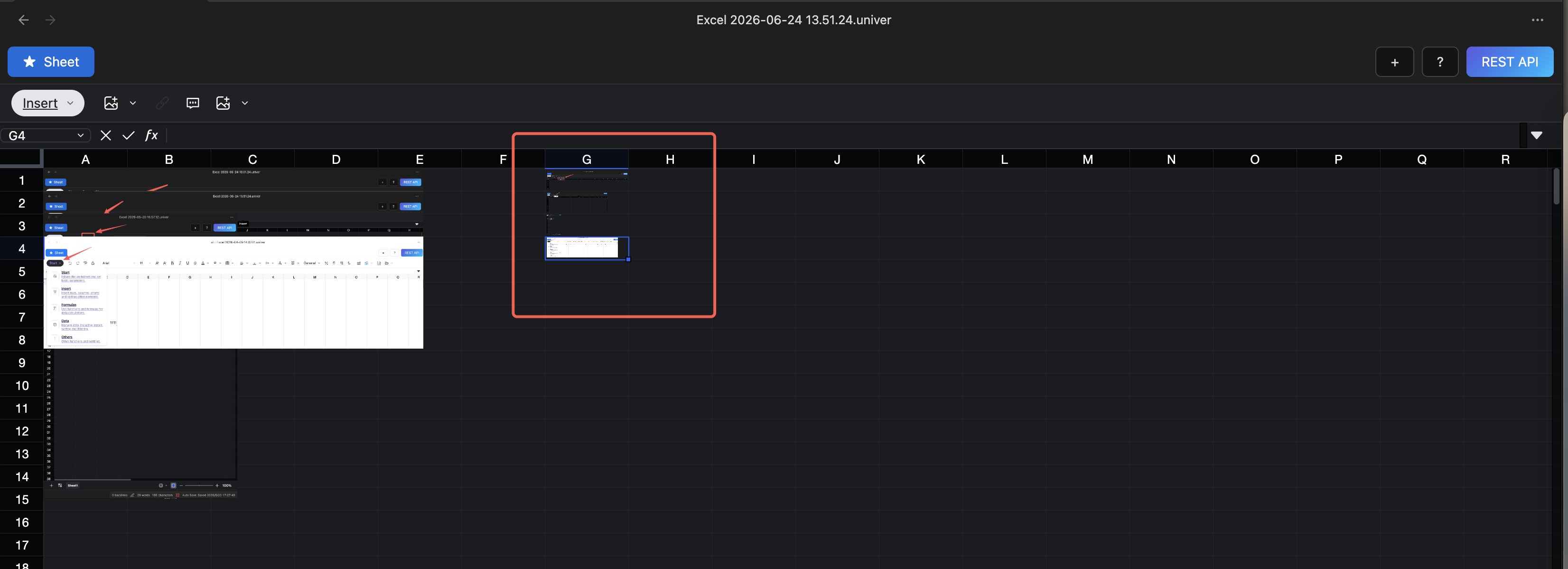
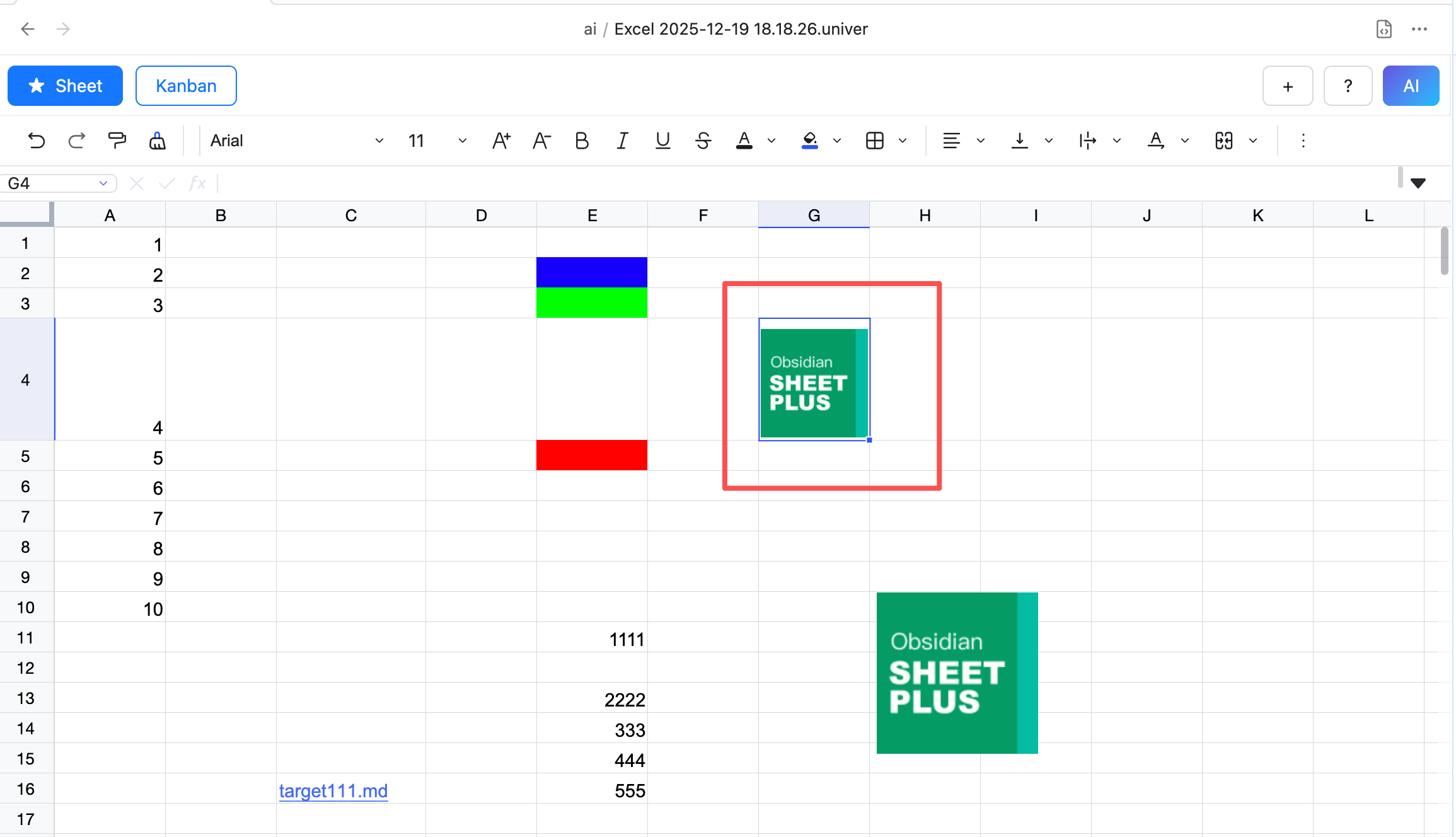
- In the dialog that appears, select the image file you want to insert. After clicking OK, the image is inserted into the cell.
Local Image
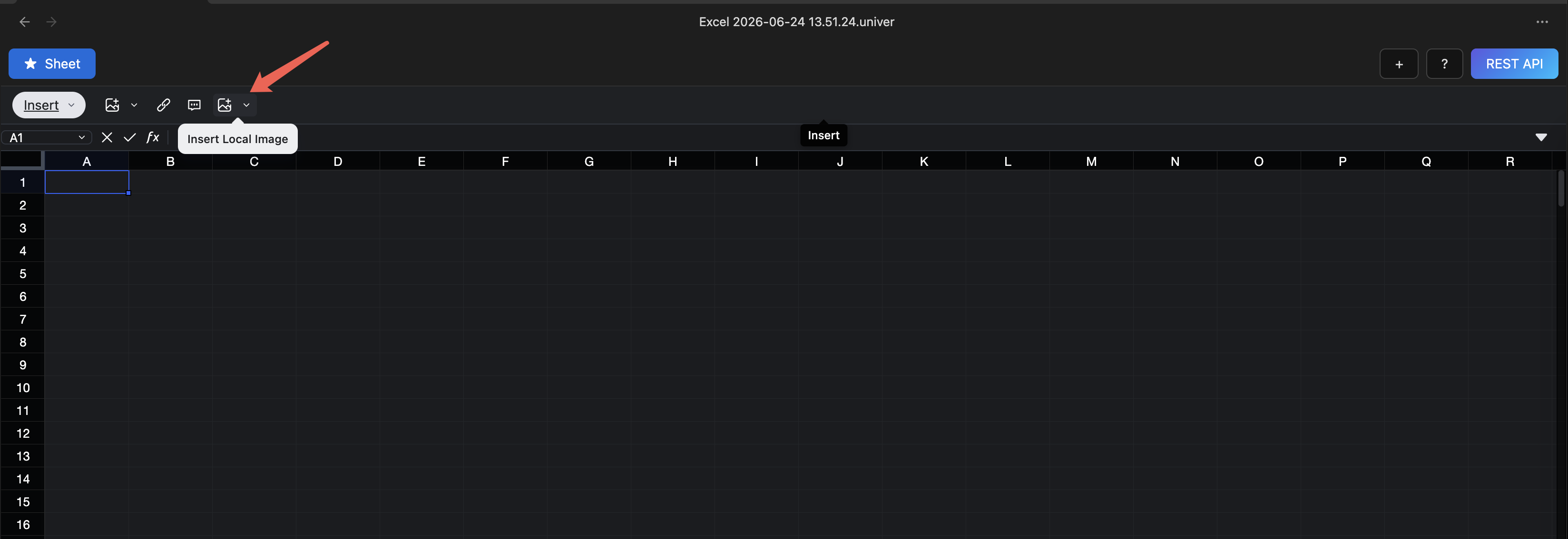
Insert images from within the Obsidian vault, supporting batch insertion of multiple images
Batch Insert Floating Images
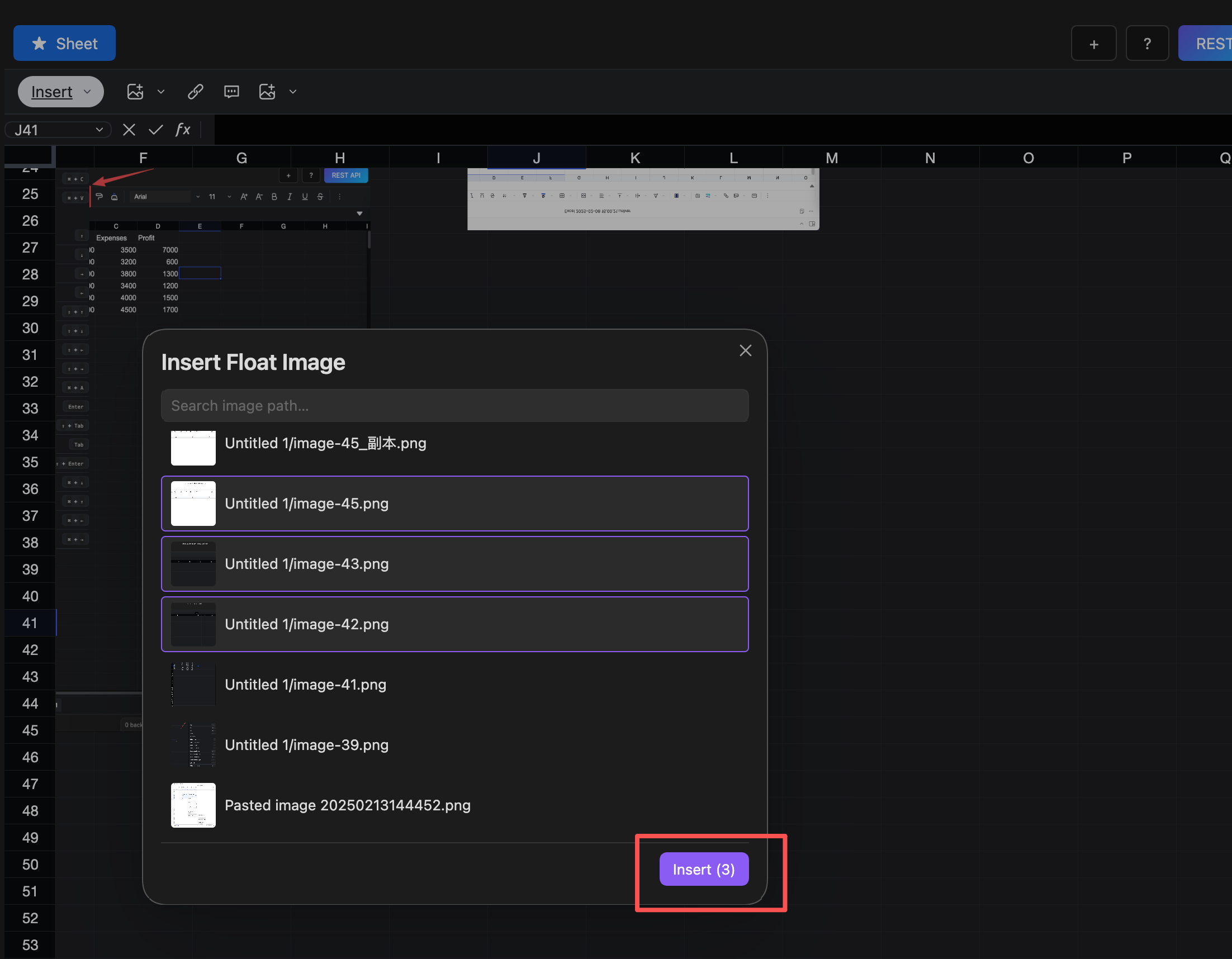
Click the Insert Floating Image button, select multiple image files, and click the OK button to batch insert multiple floating images into the current column
Batch Insert Cell Images
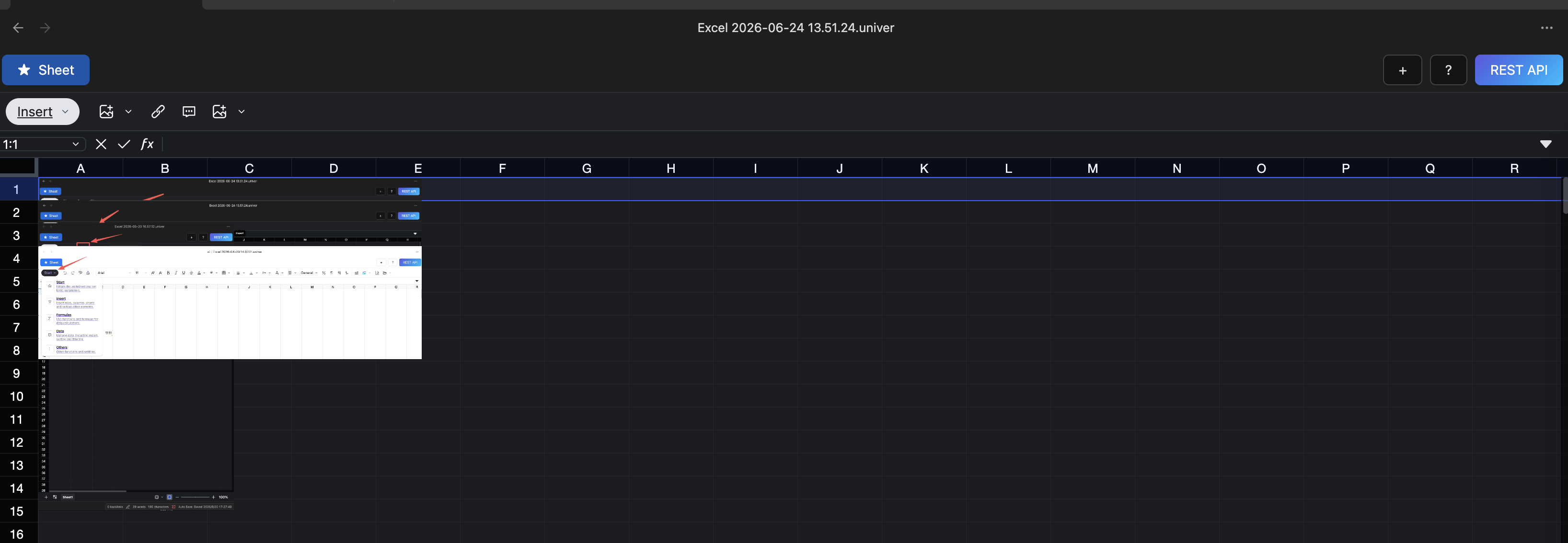
Click the Insert Cell Image button, select multiple image files, and click the OK button to batch insert multiple cell images into the current column