DeepSeek Harness
Run the DeepSeek Harness web UI inside Obsidian's webView to automate spreadsheet data processing with the Sheet Plus REST API.
Start DeepSeek Harness
npx @deepseek-ai/dsh web --no-openwarning
The --no-open flag is required so that DeepSeek Harness can be opened in Obsidian's webView.
After running the command, the terminal prints logs similar to the following:
dsh web: http://127.0.0.1:3080/?token=e0Kuxe1TDopVe3BIShG6v06lKTAhWs_LN9sYmfNl3Z8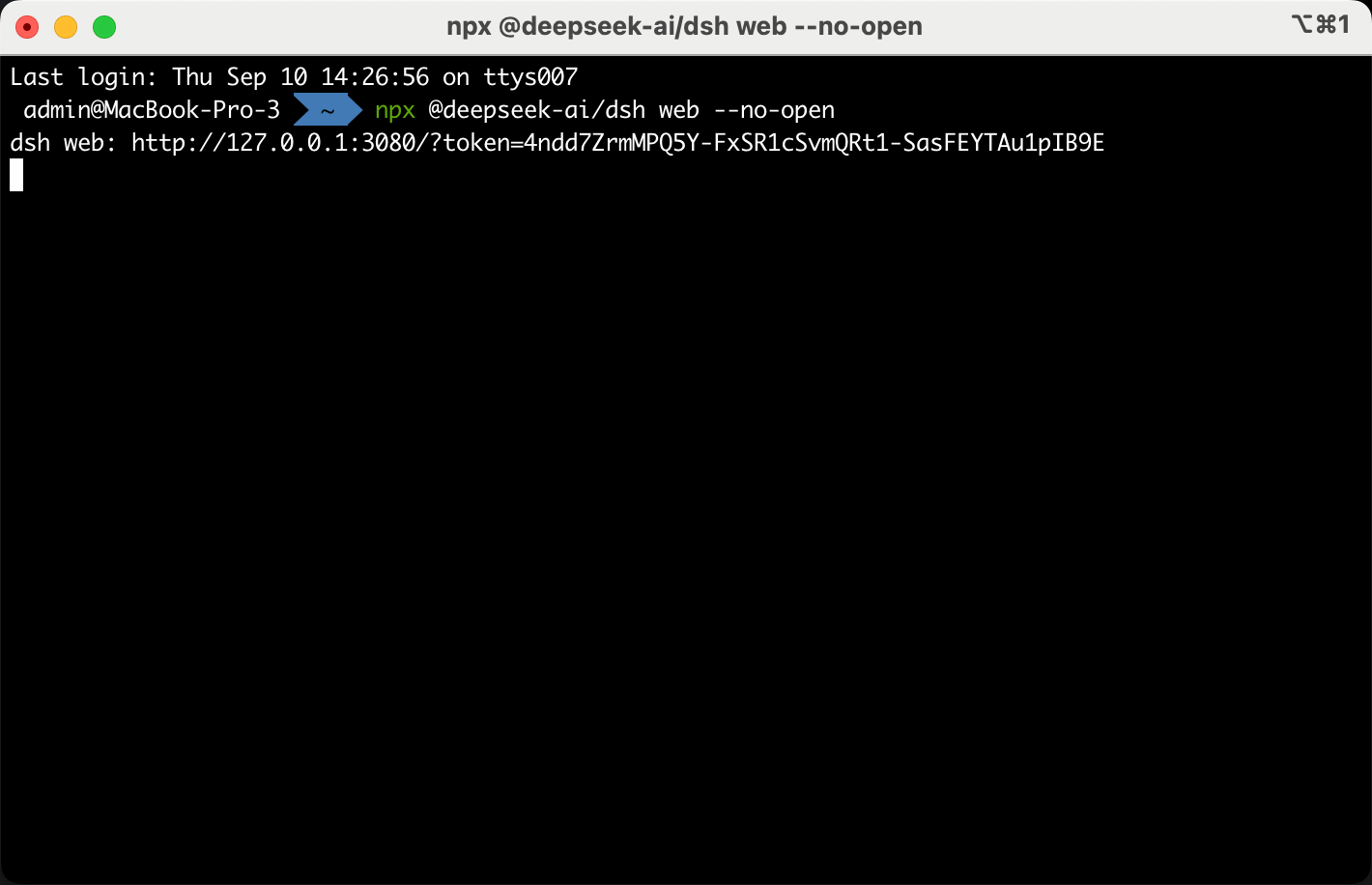
Open DeepSeek Harness in Obsidian webView
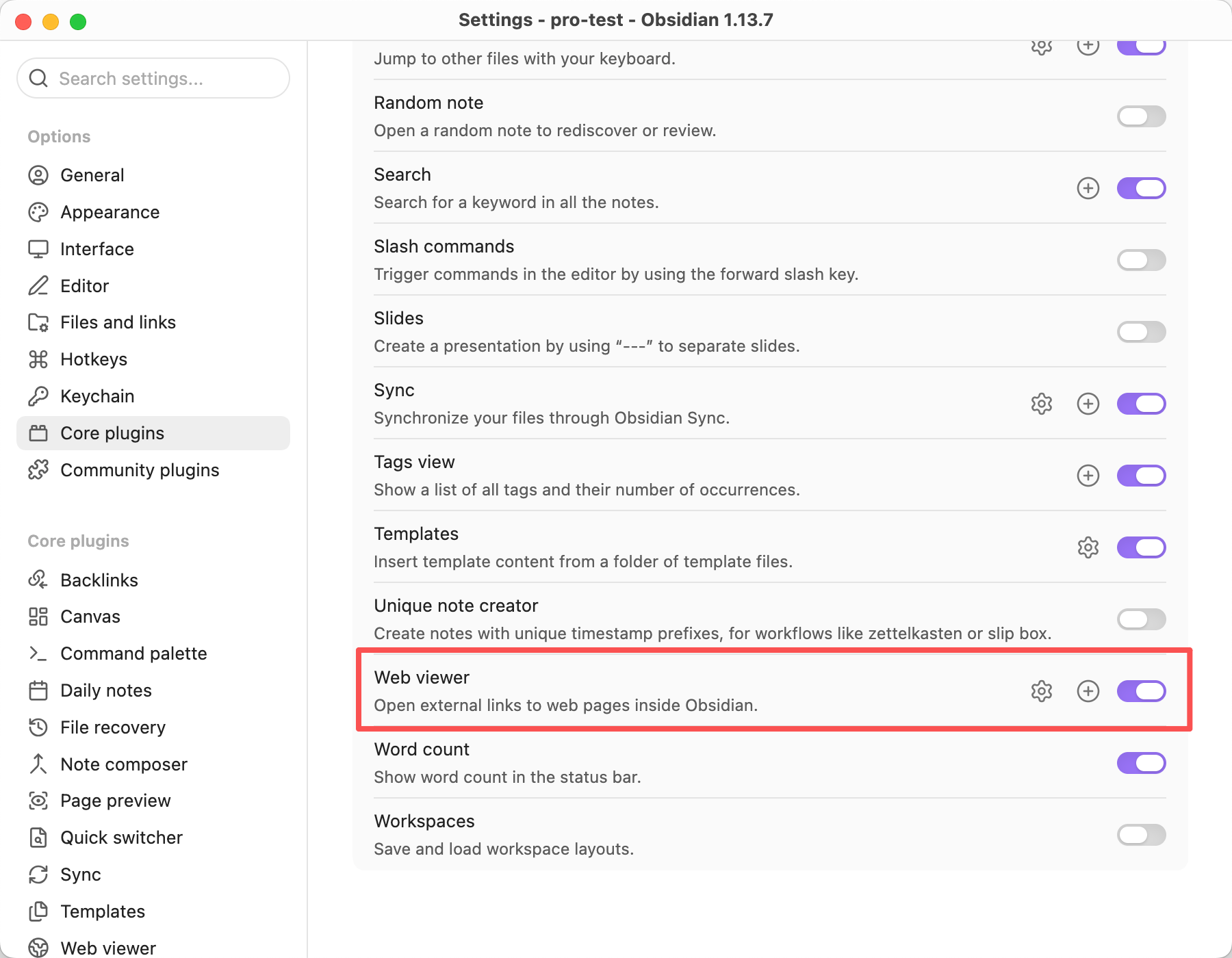
Enable the webView feature in the core plugins.
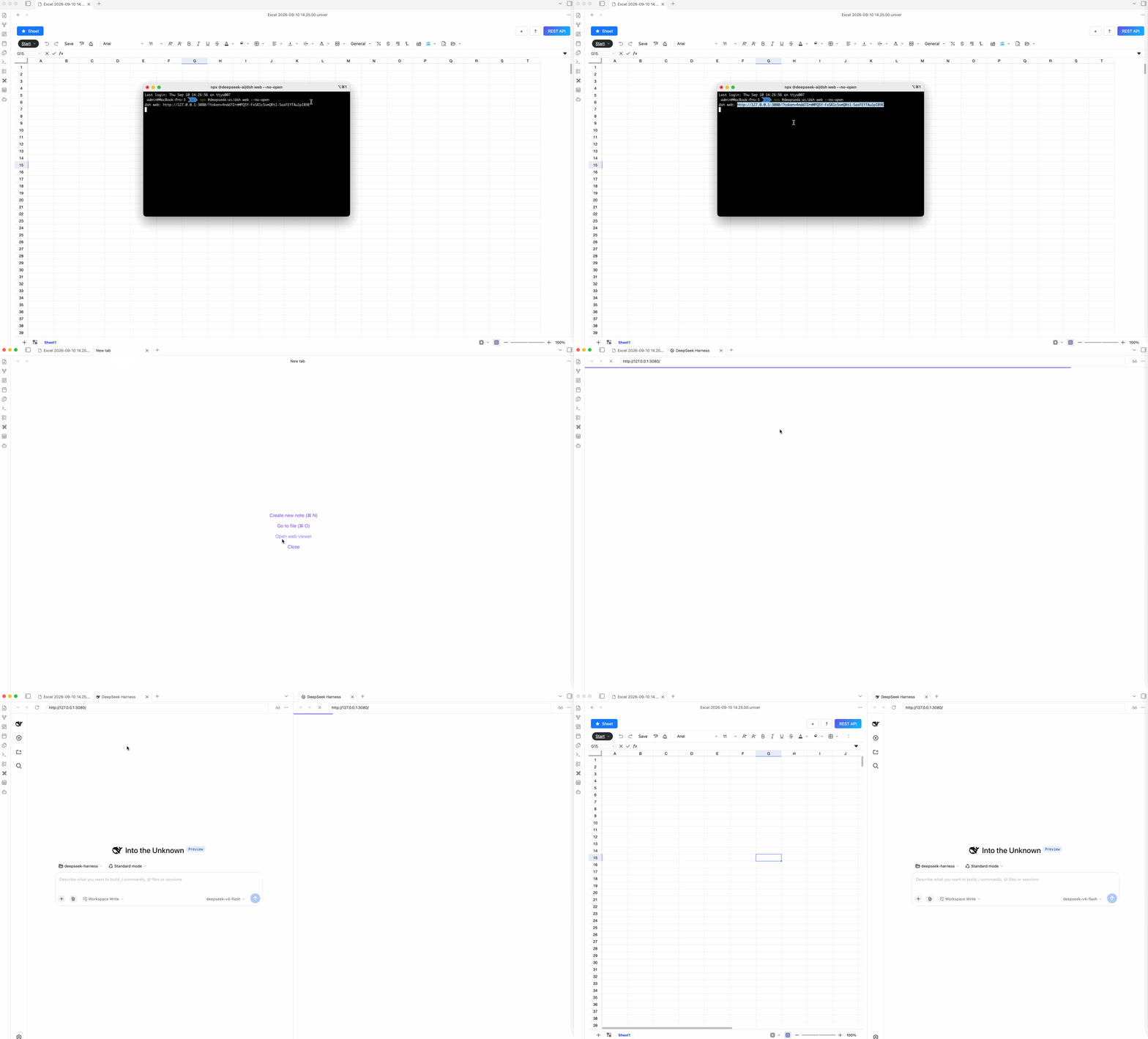
Then copy the URL from the terminal output and open it in the webView.
Install the Obsidian Sheet Plus Skill
Skill Sources
Enter the following prompt to install the obsidian-sheet-plus skill:
https://github.com/ljcoder2015/obsidian-sheet-plus-skill install this skill globally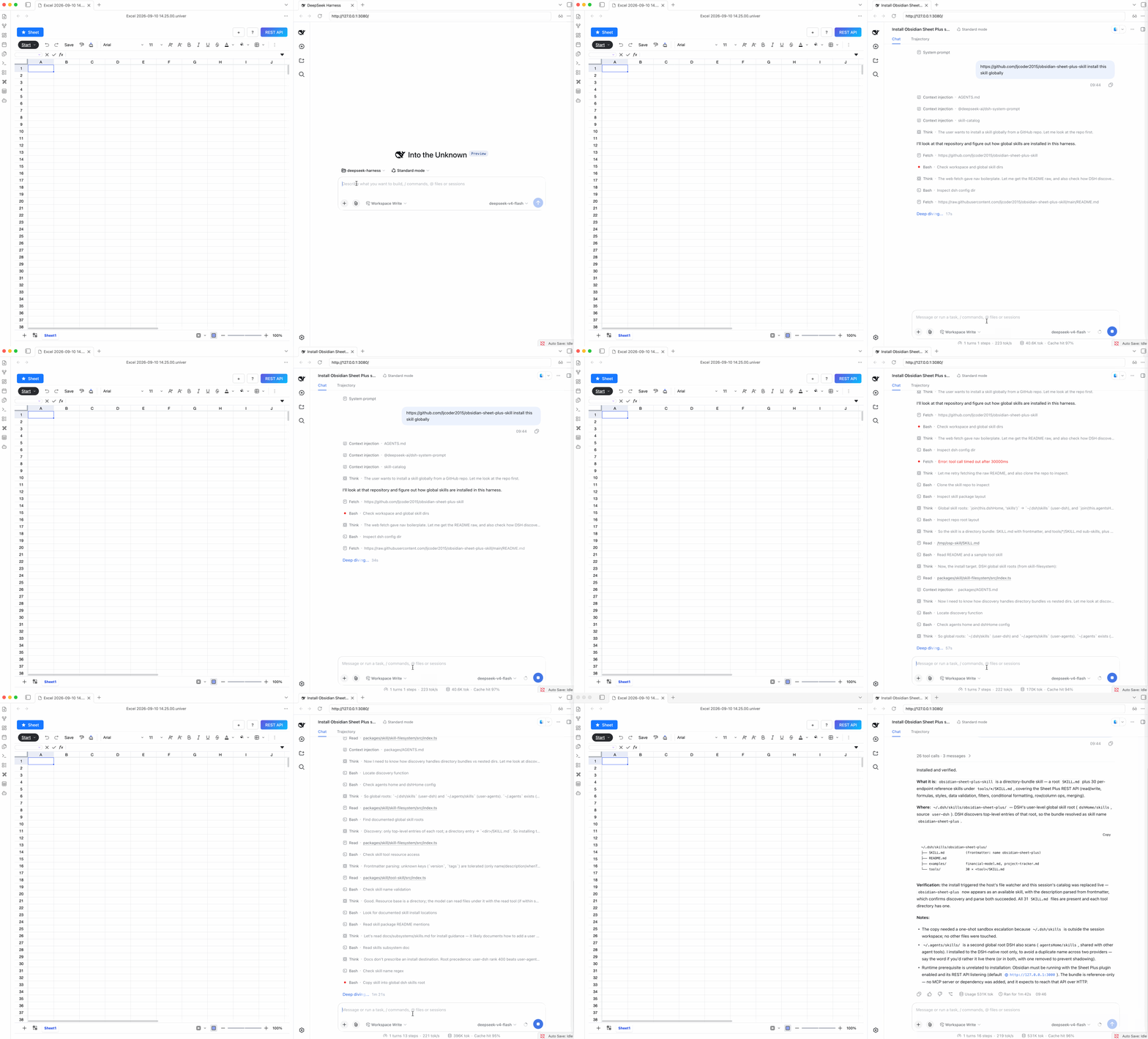
Automate Spreadsheet Data Processing
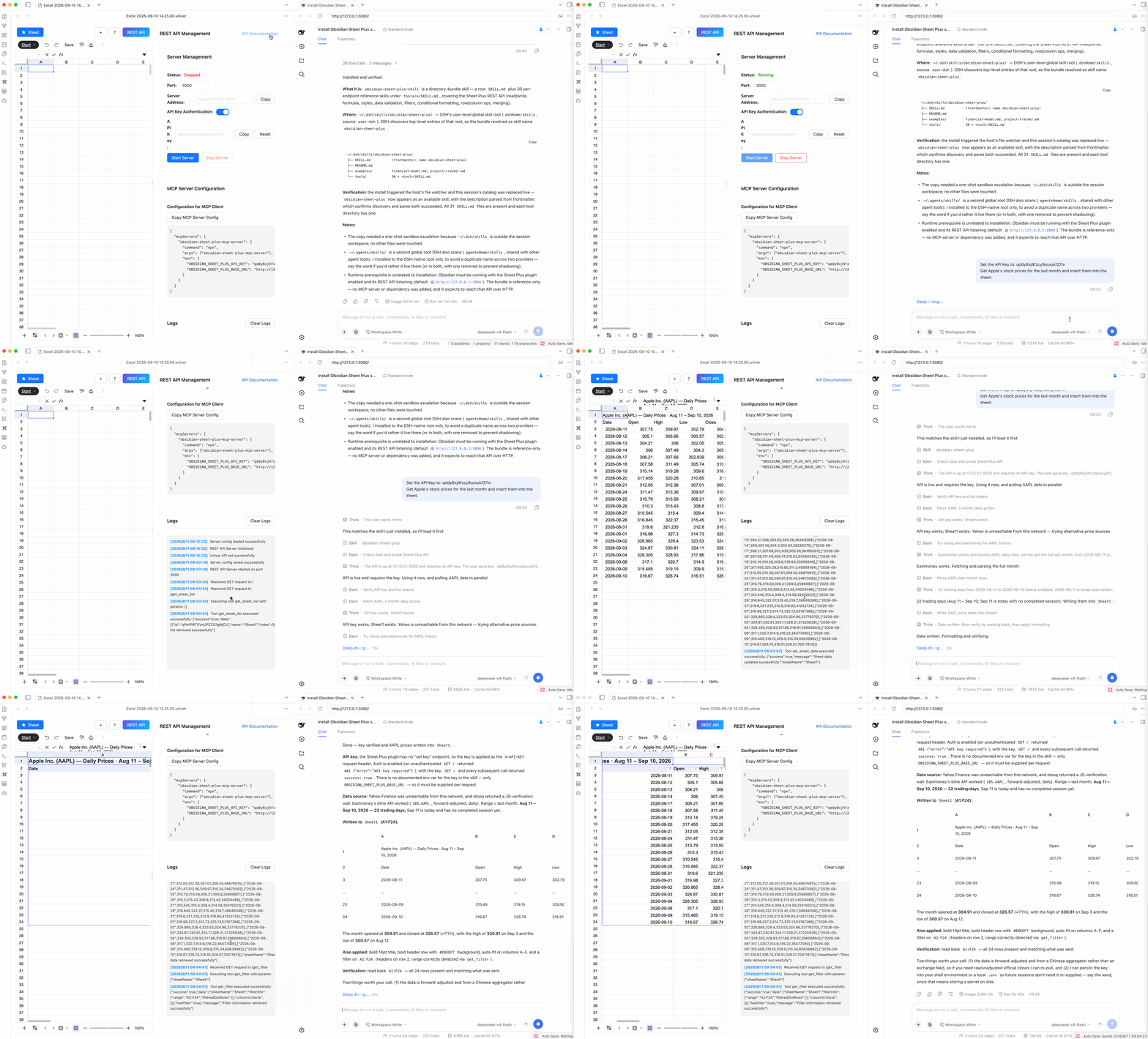
Once the obsidian-sheet-plus skill is installed, you can use it in DeepSeek Harness to automate spreadsheet data processing.
First, start the REST API service.
The prompt below is an example of automating spreadsheet data processing with the obsidian-sheet-plus skill. For the first task, include the REST API service API Key in the prompt.
Set the API Key to: <your_api_key>
Get Apple's stock prices for the last month and insert them into the sheet.