OpenCode
Install the obsidian-sheet-plus skill in OpenCode to automate spreadsheet data processing through the Sheet Plus REST API.
Installing Obsidian Sheet Plus Skill
Skill Sources
Enter the following prompt in OpenCode to automatically install the skill globally (so it is available in all your projects):
https://github.com/ljcoder2015/obsidian-sheet-plus-skill install this skill globally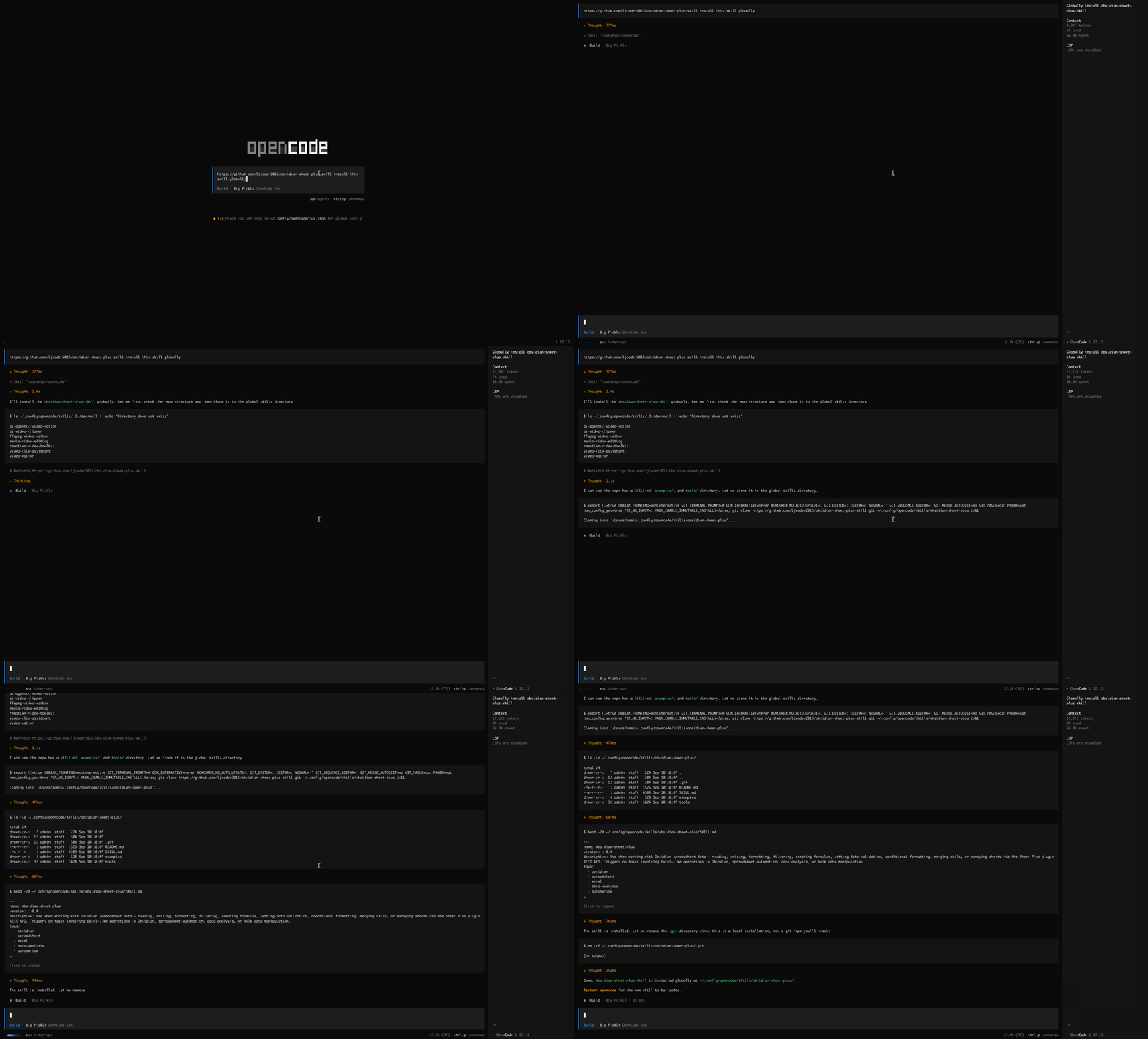
How to Use
After installation, you need to restart OpenCode to use the skill. Type /skills to see that the obsidian-sheet-plus skill appears in the installed skills.
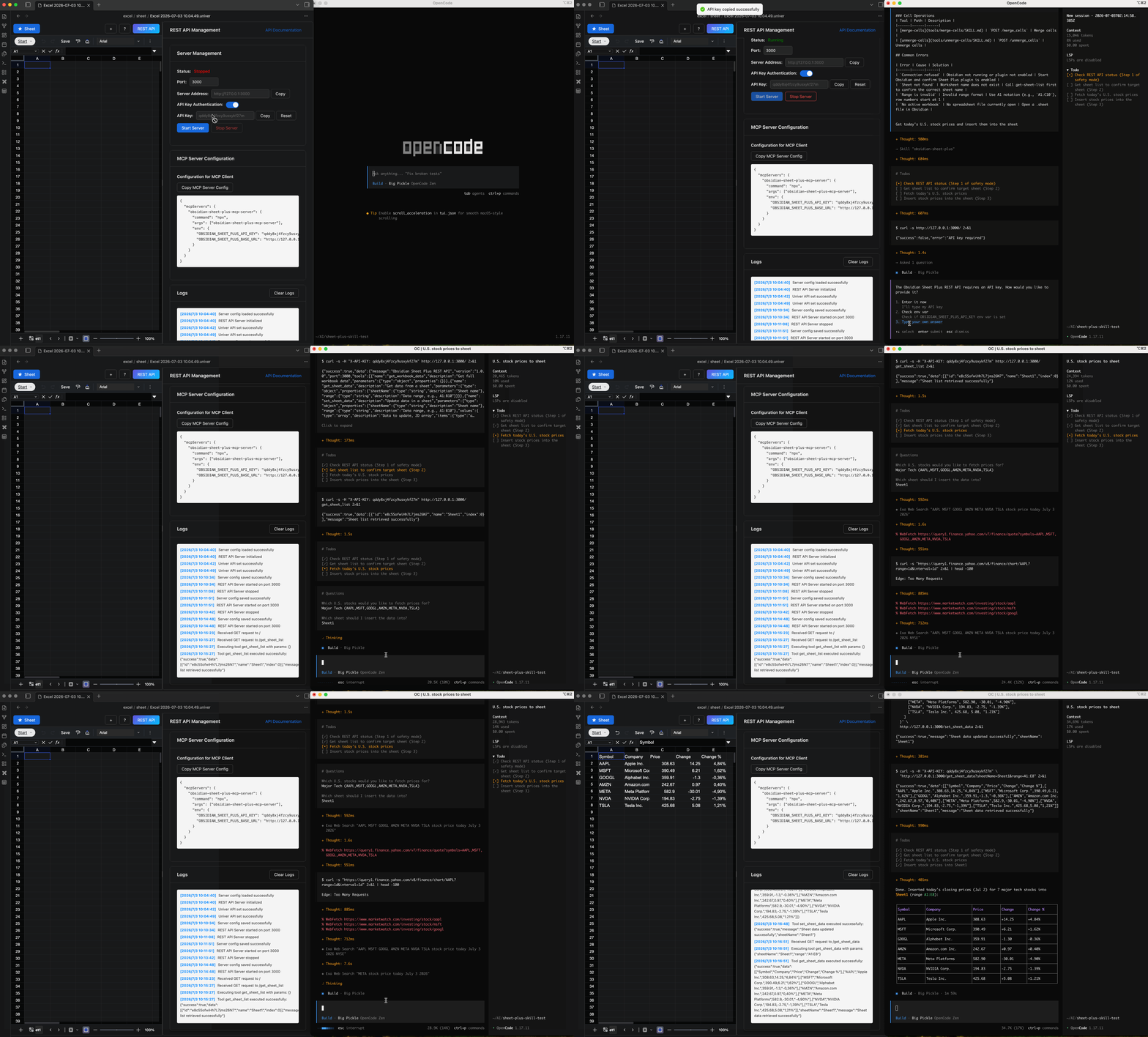
Here is an example of using the obsidian-sheet-plus skill to fetch today's stock prices.
First, create a new sheet in Obsidian and start the REST API service.
Enter the following prompt:
Get today's U.S. stock prices and insert them into the sheet.OpenCode will first check the REST API service status and whether authorization is required. If authorization is needed, it will prompt you to enter the API Key. Once connected, it will query today's stock prices and then call the obsidian-sheet-plus skill to insert them into the sheet.