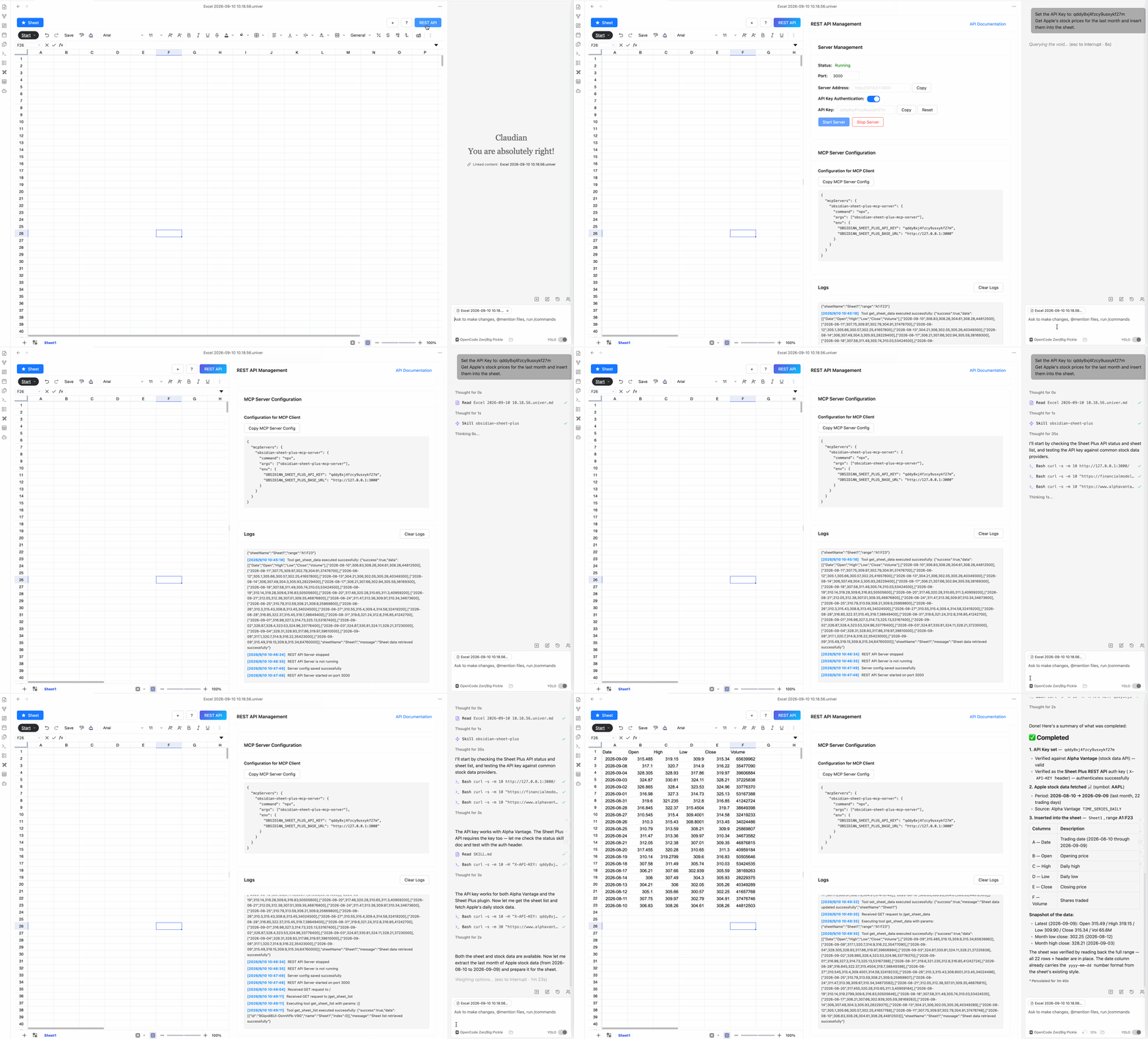
Claudian
Install the Claudian plugin to automate spreadsheet data processing with the Sheet Plus REST API.
Install the Claudian Plugin
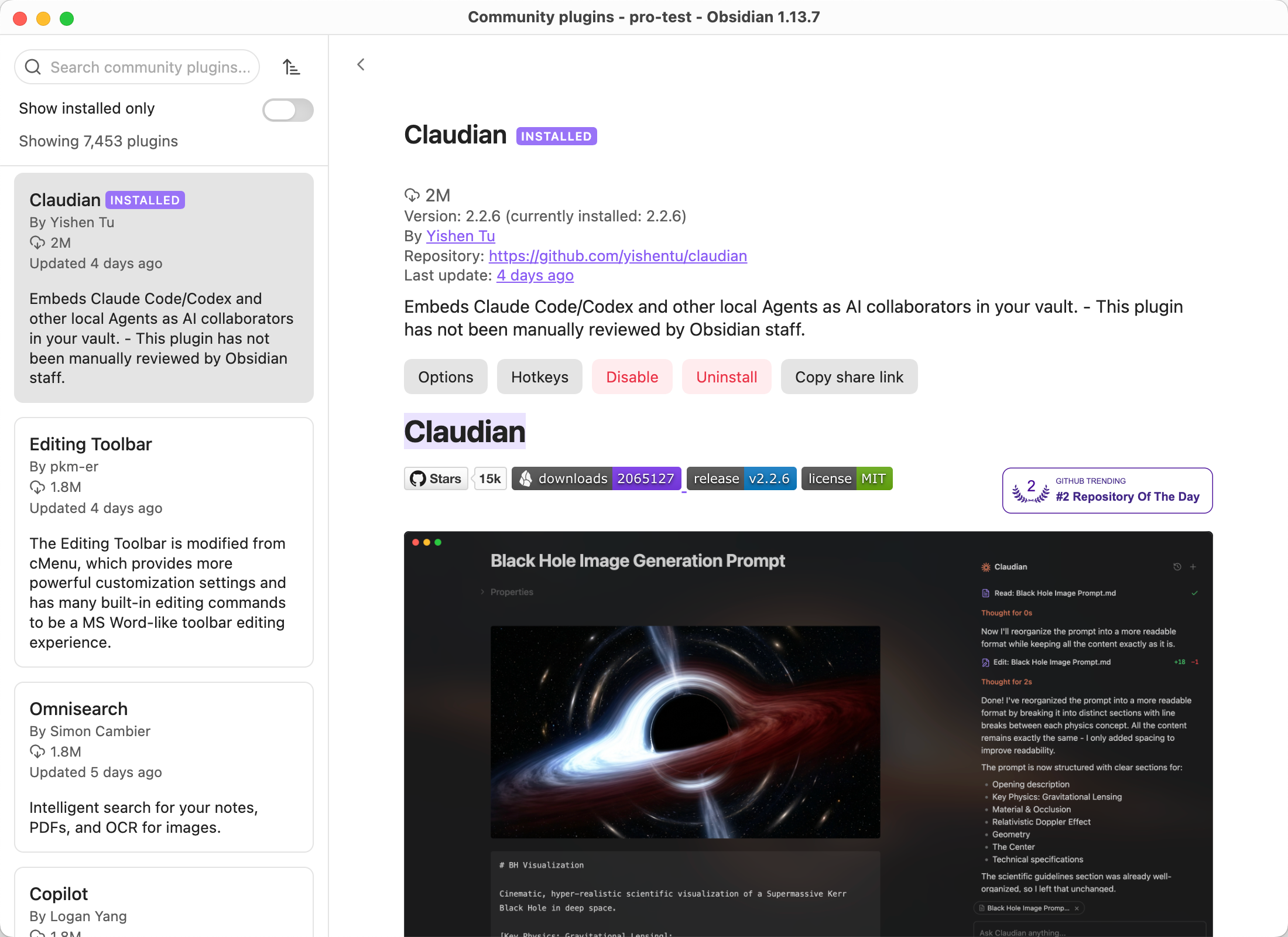
Install the Claudian plugin in Obsidian.
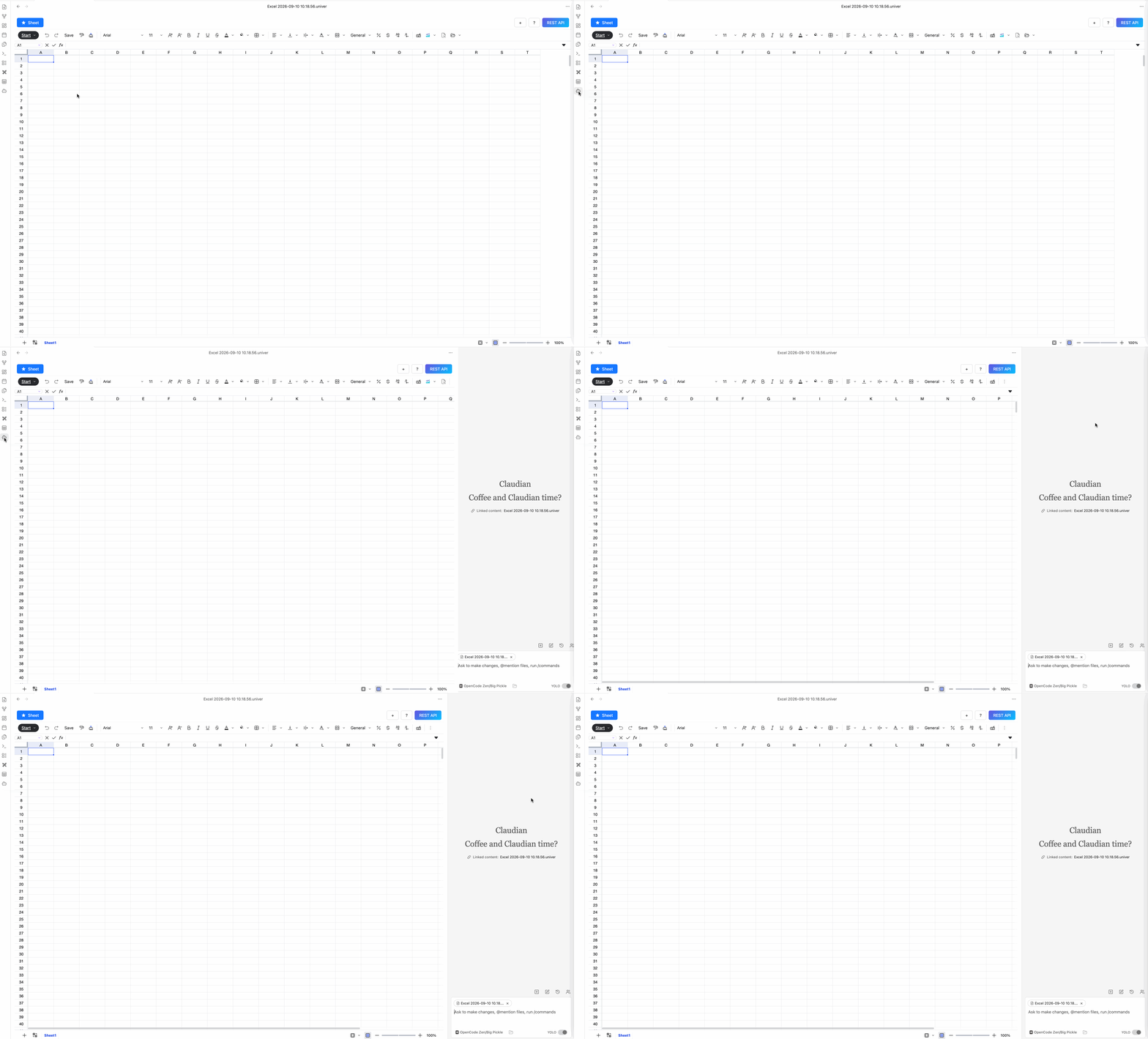
Open Claudian
Open the Claudian panel from the sidebar.
Install the Obsidian Sheet Plus Skill
Skill Sources
Enter the following prompt to install the obsidian-sheet-plus skill:
text
https://github.com/ljcoder2015/obsidian-sheet-plus-skill install this skill globally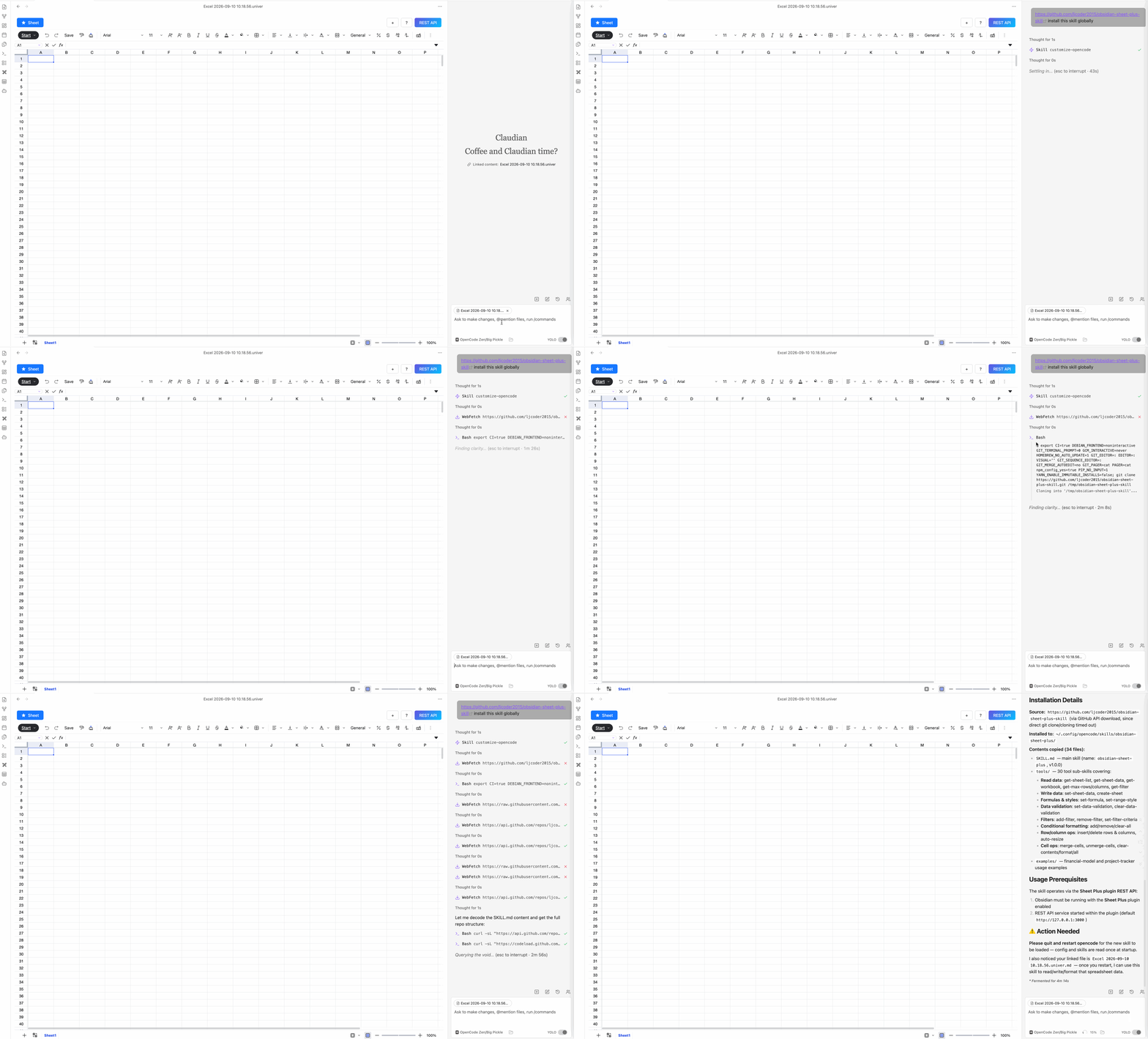
Automate Spreadsheet Data Processing
Once the obsidian-sheet-plus skill is installed, you can use it in Claudian to automate spreadsheet data processing.
First, start the REST API service.
The prompt below is an example of automating spreadsheet data processing with the obsidian-sheet-plus skill. For the first task, include the REST API service API Key in the prompt.
text
Set the API Key to: <your_api_key>
Get Apple's stock prices for the last month and insert them into the sheet.