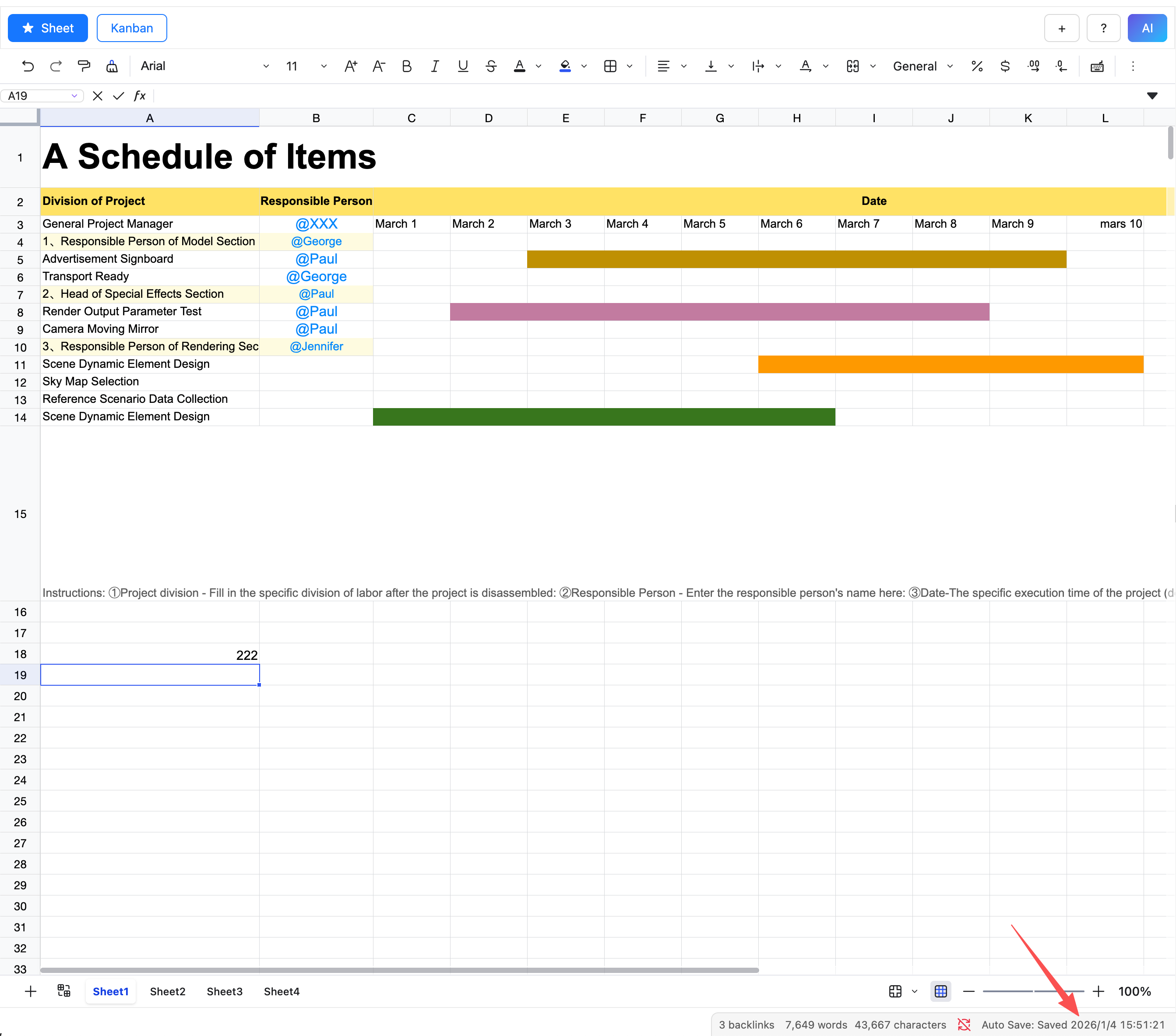
Auto Save
After a table is modified, the data is not saved to the file immediately; instead, it is automatically saved every 30 seconds. You can check the save status in the status bar at the bottom.
NOTE
- Closing the current file will immediately trigger a save, but closing Obsidian will result in the loss of unsaved data.
- For file recovery, please refer to the core plugin File Recovery documentation
- When a file is opened for the first time, auto-save is triggered. If the file has not been modified and is deemed not needing to be saved, it will switch to the idle state.
Manual Save
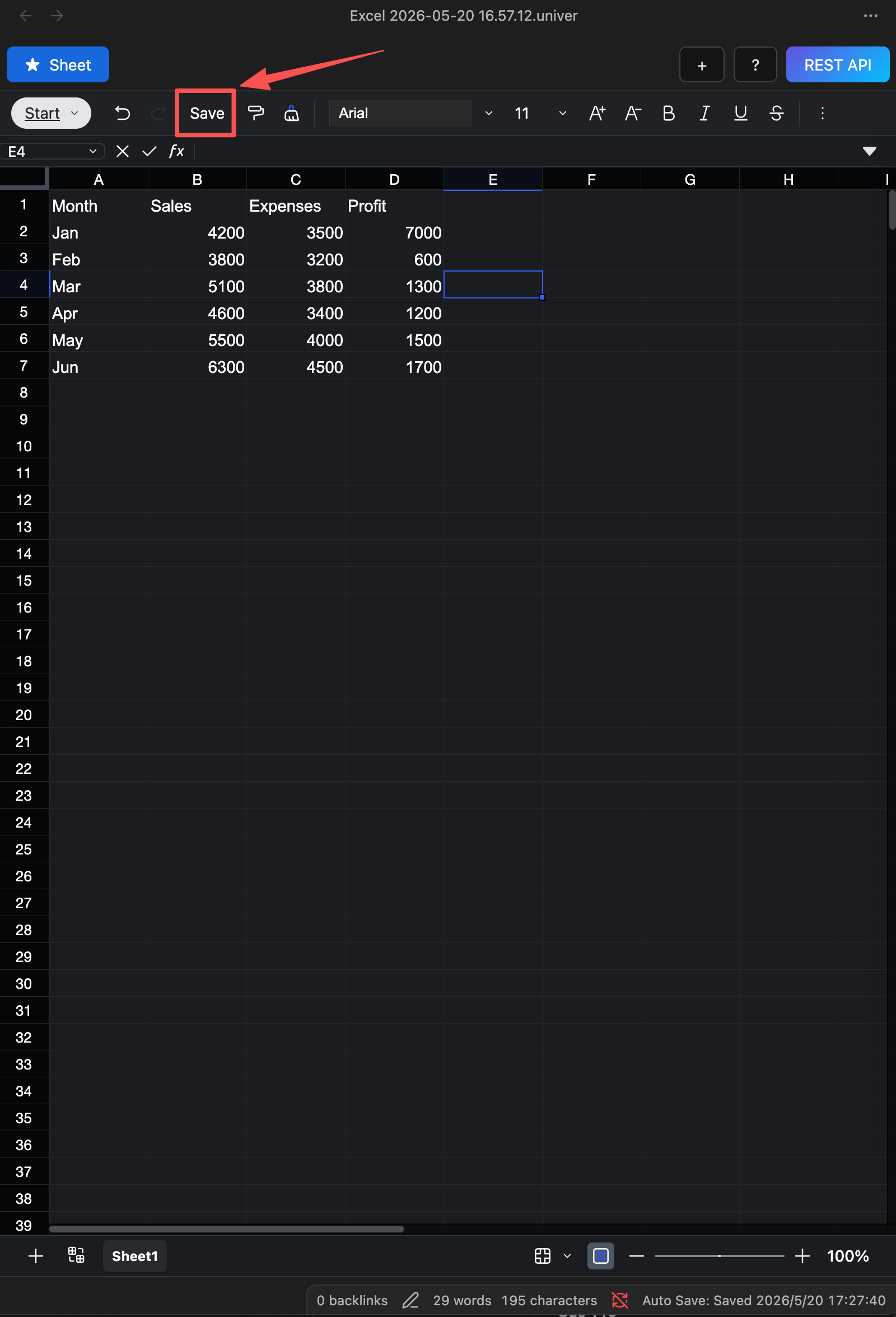
To manually save the table, click the save button in the toolbar.
Status Description
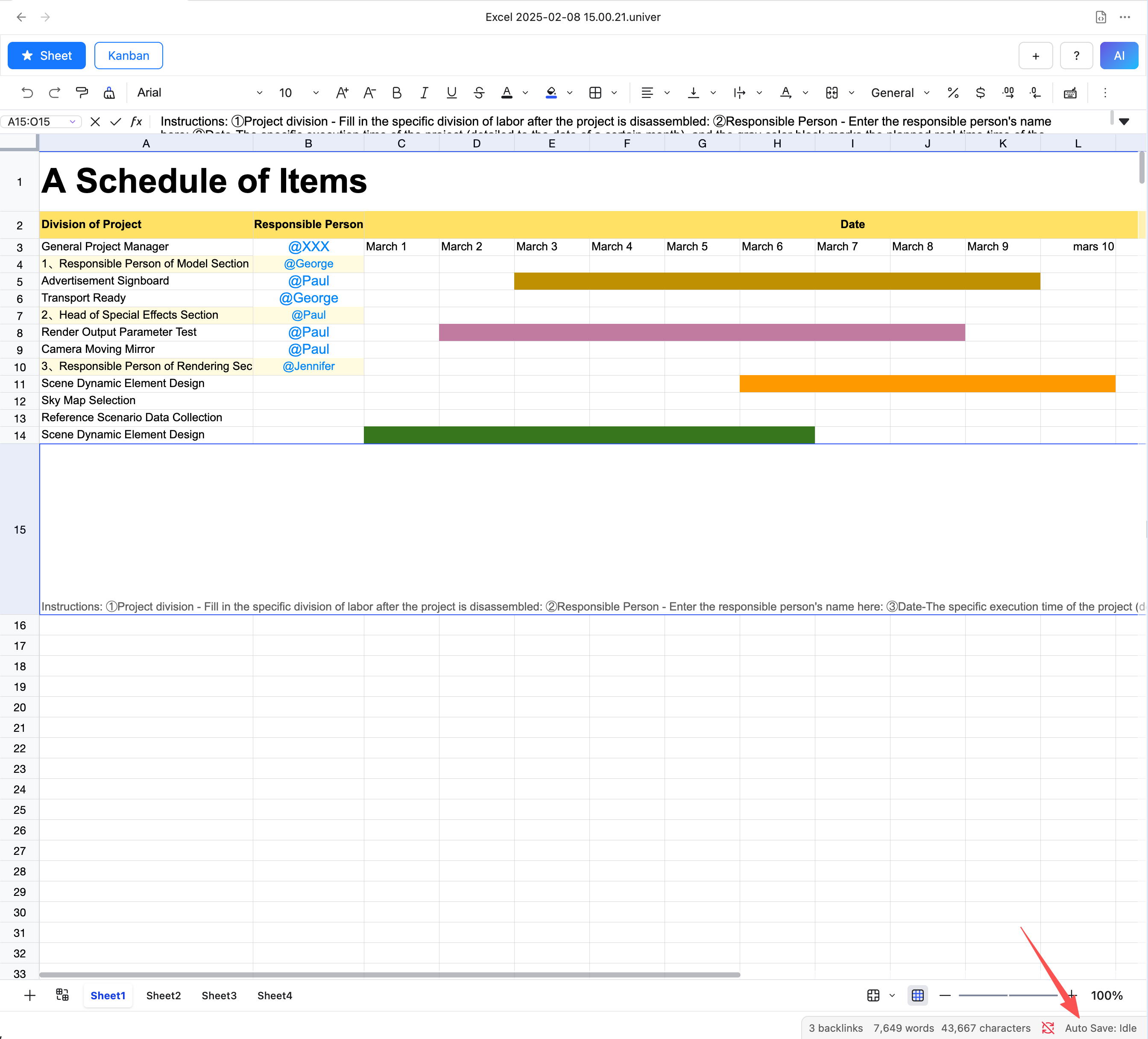
- Idle: The table has not been modified and is not saved.
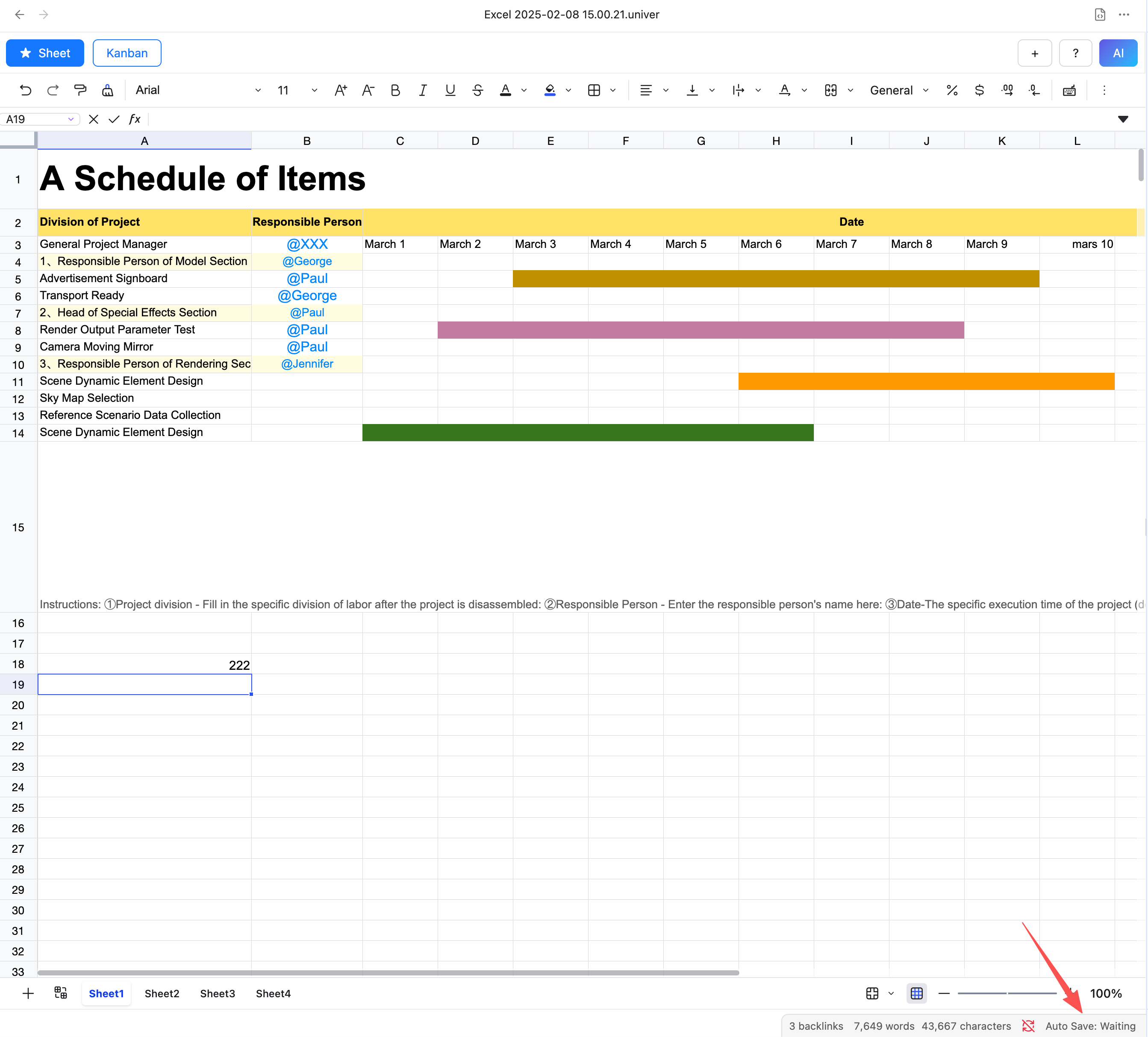
- Waiting: The table has been modified and will be saved after 30 seconds.
- Saved: The table has been successfully saved, and the time of the last save is displayed.